Category Archives: Hobby projects

Reviving Saldoplanner: How AI helped me modernize a personal finance tool

Introduction

Saldoplanner is a small application I use purely for personal purposes—to keep track of my finances. Every few weeks, I set aside some time to import incoming and outgoing transactions, review my spending, and reflect on both past and expected expenses.

I originally built the application back in 2019 using AngularDart and a Symfony API, hosting it on my personal server. I never intended to turn it into a production-grade application, which gave me the freedom to cut a few corners on security and focus purely on what worked for me.

What motivated me to revisit it?

Over the past few months, developments in AI have accelerated rapidly. I had long wanted to make improvements to Saldoplanner, but the outdated AngularDart stack made even small changes difficult.

At the same time, I’ve been actively working with AI tools (especially Claude Code), and it’s impossible not to notice how much software development is changing. Skills I’ve spent the last 20 years building suddenly feel less relevant. To be honest, that realization hit me pretty hard at times, raising questions like: “Will I still be valuable in the future?”

Where I’ve landed is this: resisting change isn’t useful. Instead, I need to adapt and invest in new, relevant skills—even if I don’t yet fully know what that path looks like. For now, that means embracing AI and learning how to work with it effectively.

That mindset led me back to Saldoplanner. It’s a relatively small, outdated project—perfect for experimentation. My main question was:

“Can I refresh Saldoplanner within a day or two so I can finally implement the improvements I’ve been wanting for years?”

Approach and results

Since the application was built with AngularDart—a framework that never gained widespread adoption—my initial idea was to use AI to get the existing app running locally and make incremental changes.

However, even with AI support, that approach proved frustrating. So I pivoted.

I decided to let Claude Code attempt something more ambitious: porting the entire frontend from AngularDart to Next.js.

To my surprise, this worked remarkably well. With just a handful of prompts, I ended up with a fully functional Next.js application connected to the existing Symfony API.

That was the turning point. Removing the dependency on AngularDart felt like a huge relief. The application was now running on a stack I’m comfortable with, making future changes significantly easier.

From there, I defined a few additional milestones:

  • Migrating to a new server so I could decommission an old one
  • Upgrading the PHP version from 7.1 to 8.4
  • Adding long-desired features, including a mobile-friendly UI

Conclusion

I managed to complete all of this within a single weekend—something that would have easily taken me one to two weeks in the past.

This experience gave me valuable hands-on insight into working with AI. For this project, Claude performed well with just a simple CLAUDE.md file—more advanced features like Skills or Hooks weren’t necessary at this scale.

As a nice bycatch, the server migration also let me shut down an old machine, saving about €20 per month.

But more importantly, I now have a tool that makes managing my finances easier and more enjoyable again—and a clearer sense that adapting to AI is not just necessary, but genuinely empowering. It also makes me wonder: if I’m able to move this fast… What should I do next?..
How can I make the most of that speed without building something that becomes obsolete just as quickly?
I don’t have the answer yet, but I’m convinced we’re heading into extraordinary times, with a great deal still set to change.

Devlog #1: Viewport, user movement and real-time updates

Prototyping

I’ve made some tech decisions to quickly get something visual, so I can “play” the game asap. I chose React as I’m familiar with it and used Vite as building tool, which makes it insanely quick to get going and it’s hot module replacement feature makes prototyping also very easy.

I don’t have a clear idea yet for what I want the game to be like. And to be honest I’m happy to. Because this is a hobby project I want to keep all options open and develop it the way I feel like step by step.

Viewport and user movement

For now I thought having a 2D grid world with a viewport would be nice. So I gave the user an avatar and navigation controls using the arrow buttons. When moves over half of the screen horizontally or vertically the viewport starts moving with the player. In that way the player can move through a world larger than the viewport only (see video below).

I’ve added some debug tools showing the user position, viewport origin and a moving cooldown. The moving cooldown is a concept that I was thinking of implementing as game feature, but I’m not sure I’ll keep it as I find it pretty annoying tbh.

Real-time updates

I thought it would be cool to have multiple players walking around in the same area and seeing each other and eventually even interact. I knew about websockets as a technical solution for this, but had never actually built something with websockets. So a good reason to try!
I setup a local node server using the ws npm package and made the frontend connect to the websocket server which was fairly easy. The user position was still only stored in the frontend, so I setup a redis server with docker compose to store the user position. For now I disabled the user controls and made the websocket server make the user walk around randomly. When I opened the game in two separate browsers I saw both browsers show the user randomly walking around in the exact same way, so it worked!

What’s next

  • Activate user controls and make it work with the websockets setup
  • Allow new users to join the game
  • Make the game “playable” on mobile

Hobby project: Build360Tours

EDIT: I decided to discontinue the project early 2026 to create space to pursue other projects.

Introduction

During fall 2019 I was working remotely from Thailand for a month. In this period I met some people that were making a living while traveling by maintaining their own business. One of the guys asked me what cool stuff I had been building over the past years. Something that came up first was the 360 tour I (or actually we) had built for Vensterworks (a startup I was in with a couple of friends). Unfortunately the startup diluted due to diverted interests and we all decided to stop. We decided to open source the 360 tour software, but until now it was just collecting dust on Github.

It made me wonder if I could use this 360 tour software in a side project. I thought a interactive 360 tour builder would be nice project. There are quite some of these builders available online. Ranging from very high end all-inclusive with images including 3D data like Matterport to some smaller providers like Lapentor where you simply upload 360 images and build a tour. Build360Tours would then aim at the lower segment of the market comparable with Lapentor.

Functional

Product website and user registration

The product website (hosted on build360tours.com) is a WordPress website promoting all capabilities of the tour builder application.
Before being able to start building tours, users need to register with an email address and password. Directly after that, just login and start building.

Tour builder

In the tour builder 360 photos can be uploaded and connected by adding arrows in each photo. Just like in Google StreetView, a walkthrough tour can be created this way.
Additionally, branding can be done by adding a logo in the left-bottom, adding a camera overlapping image (if the camera is visible in the photos) and adjusting the preferred color scheme.

Tour presentation

If the tour is ready to be shared there are two options:

  1. Embed the tour in a website (example below)
  2. Share the direct link to the tour

Technical

The tour builder is built in A-frame combined with Meteor framework. Meteor handles both the frontend and backend and is based on NodeJS. A-frame is used for rendering the 360 images and objects in a 3D context.

Roadmap

For now there is no clear roadmap, because I’m in doubt if I can get the project to grow as much as I would like to.
Build360Tours is promoted on Capterra, which happens to lead some traffic to it and resulted in about 15 user registrations over the past year.

Hobby project: HIIT buddy (mobile app)

EDIT: I decided to discontinue this project in early 2026, to pursue make space to pursue other projects

Introduction

HIIT stands for High Intensity Interval Training. This a well known type of training where you do a streak of exercises with a brief moment of rest in between.

HIIT buddy helps as an audio guide to execute such a training. It’s not a unique app at all, there are loads of apps in the App store. But I always wanted to publish a mobile app in the App store and my girlfriend Fleur started doing HIIT workouts using her phones stopwatch. So if I could build an app for this I would have her as my first user.

HIIT logo

Functional

No user registration

For now the app doesn’t have user login, so the created workouts are bound to the device the app runs on. A benefit is that theres no need to register before using the app. Downside is that app content is also bound to that particular phone, a new phone will mean loss of workouts that were made. To fix that, I’m planning to add a user login part.

Prepare workout

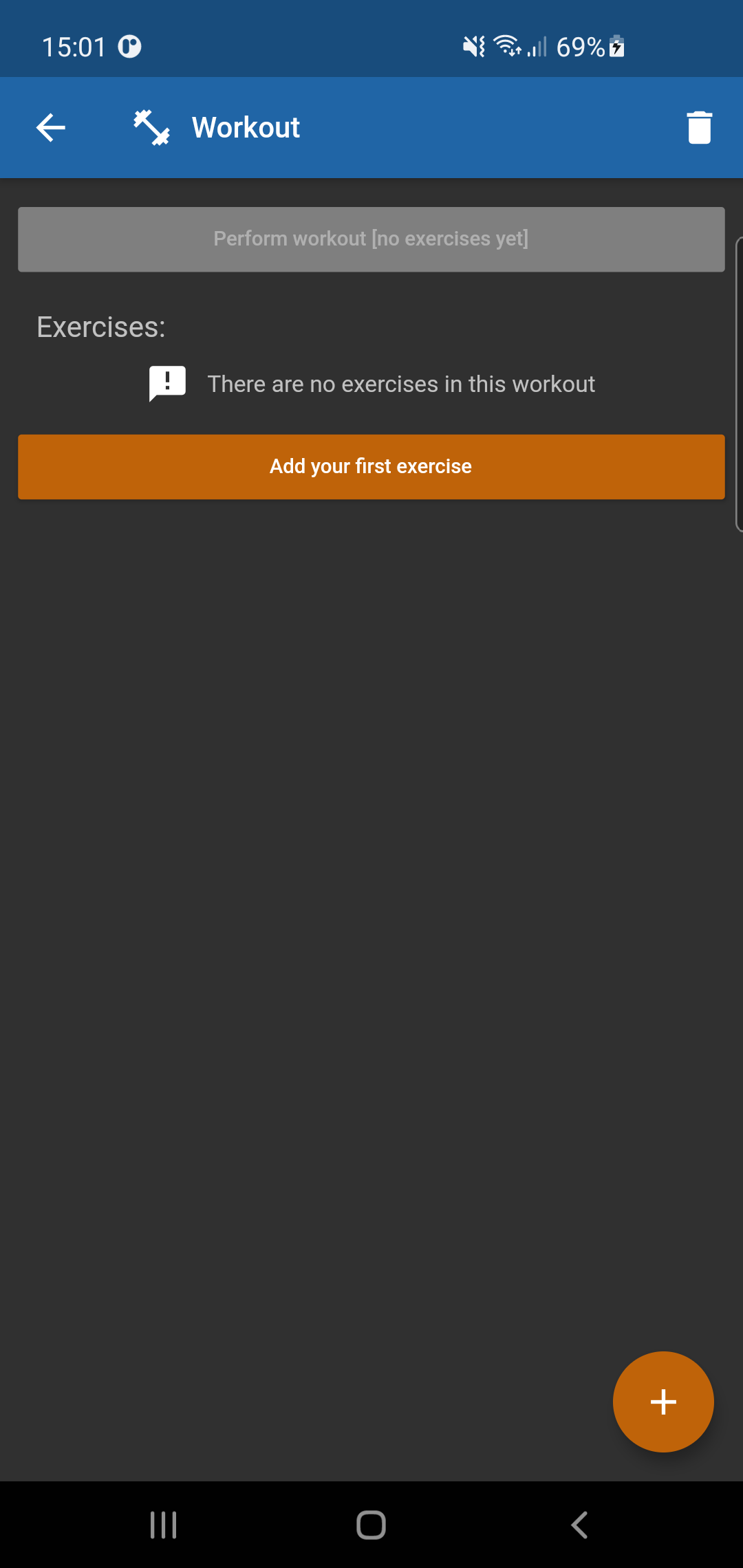
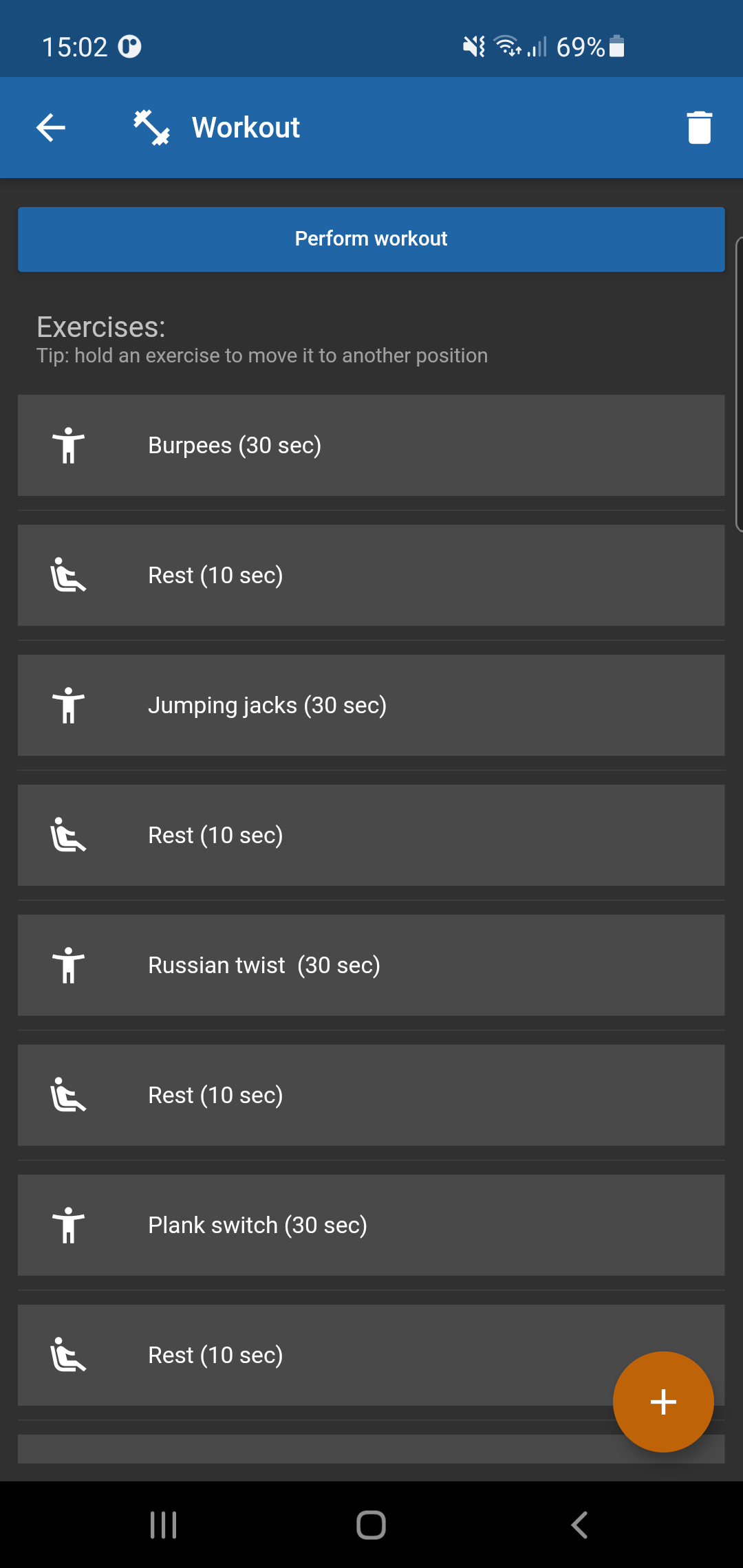
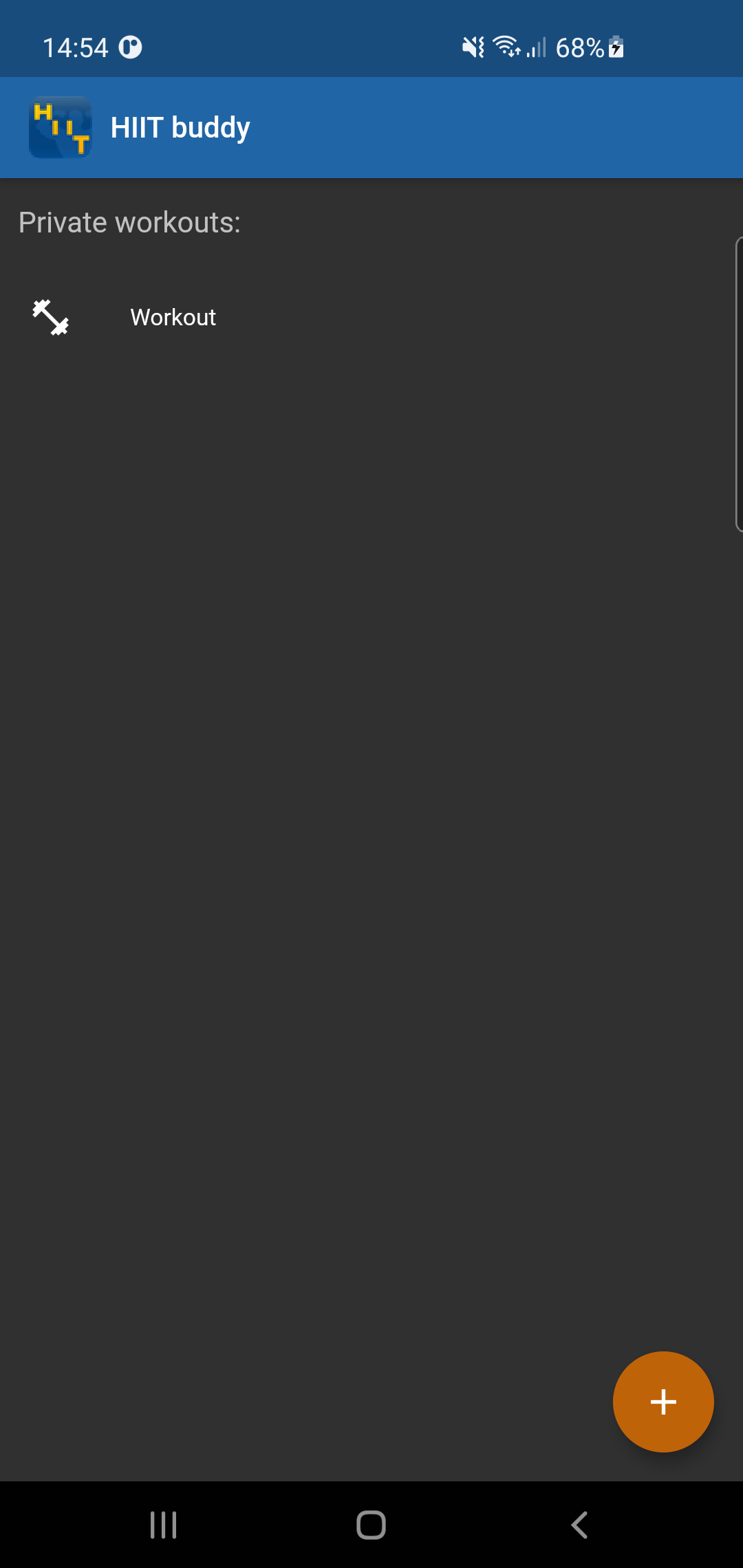
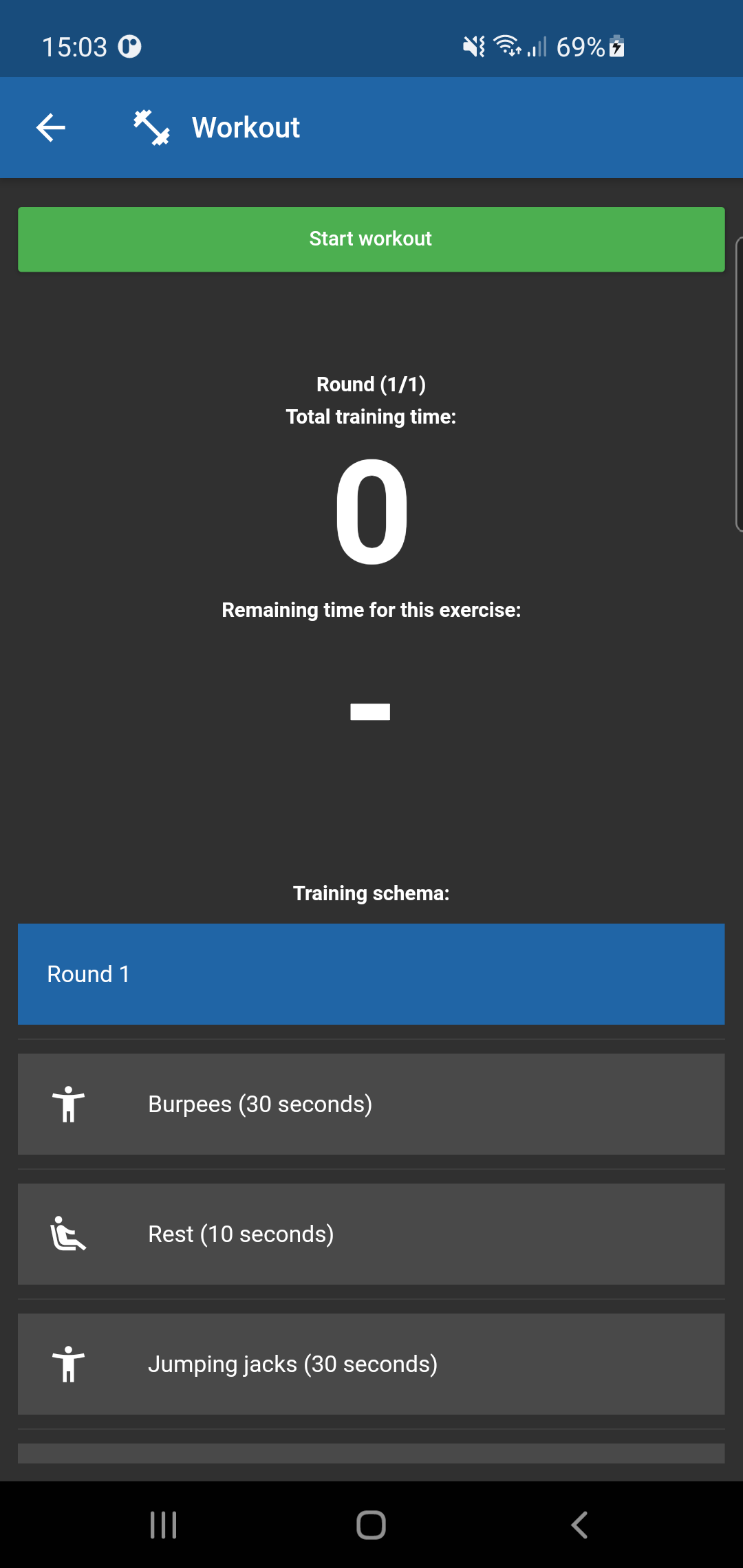
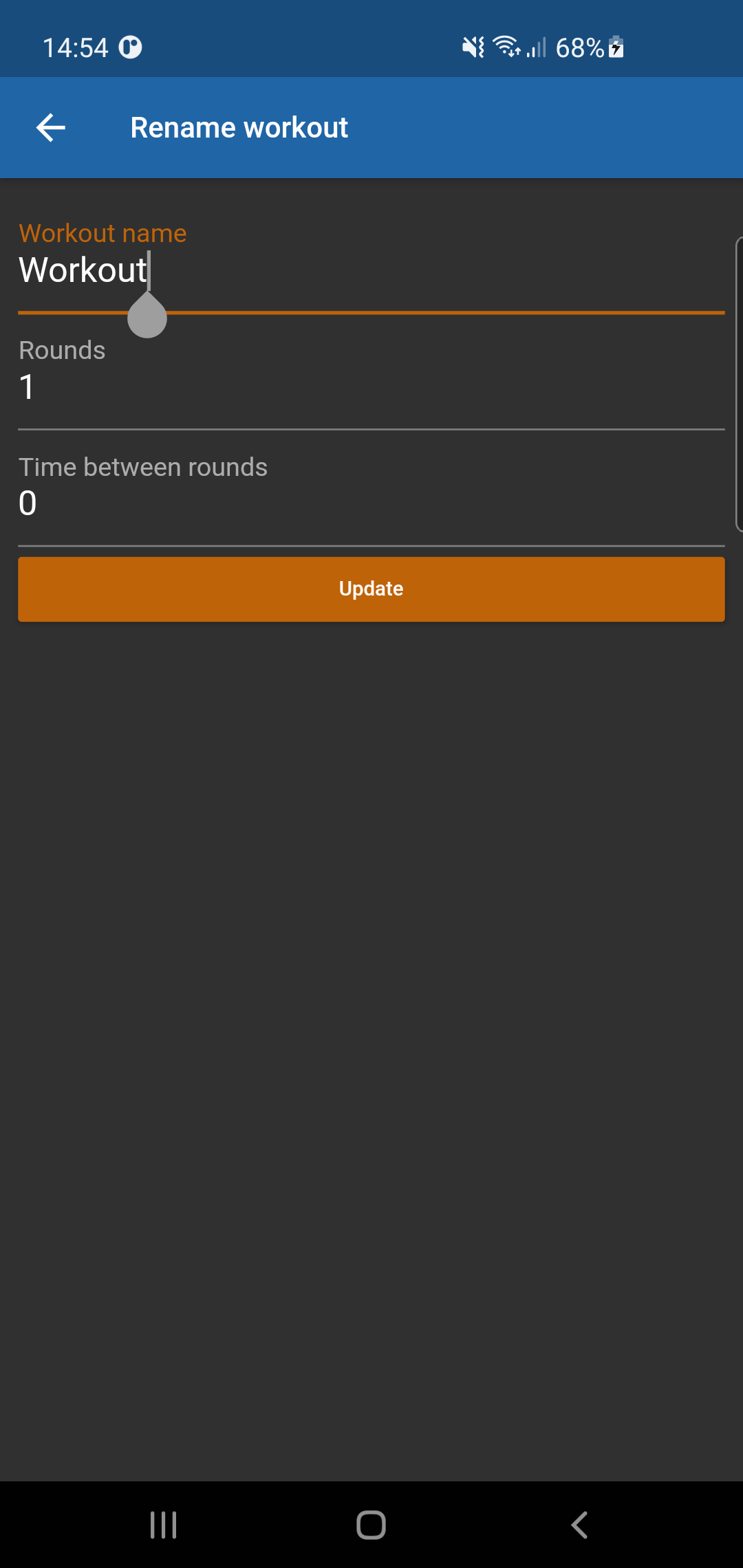
The app allows to create multiple workouts. Each workout can have multiple exercises which can vary in duration. A workout can have multiple rounds, which will repeat all exercises with x seconds rest in between.

Workout execution

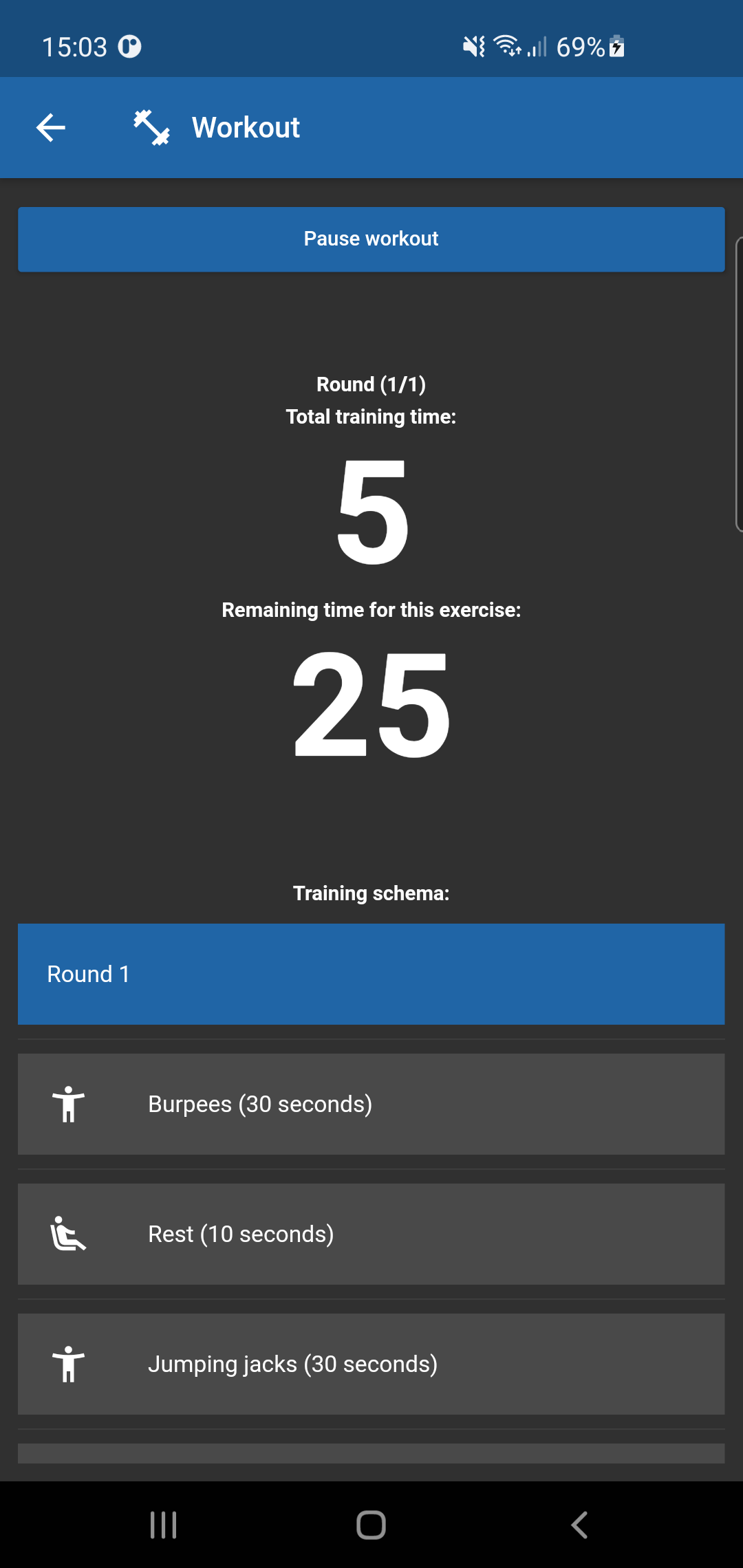
Once the workout is fully prepared, it can be executed. The audio guide will give instructions about what exercise to do and show an on screen counter with the total workout time and time until the next exercise.

Technical

The app itself is built with Flutter, which makes it easy to develop for both Android and iOS phones. Persisting workout and exercise data is done through a REST API built in PHP and the Symfony framework. The audio guide utilises the Text-to-Speech client of Google for creating the voice commands.

Roadmap

  • User registration
  • Sharing workouts
  • Workout catalog with predefined workouts
  • Exercise instructions
  • Executed workout history

Download the app

Cover art

HIIT buddy
View in Play store | View in App store